
The accuracy of prosthetic work starts in the practice, before the laboratory opens the first file. Even the best CAD design and the most precise milling machine cannot make up for an unclear preparation margin or a poorly recorded bite. In this guide we collect what most often decides in the laboratory whether a restoration fits the first time: which form of data to choose, what to attach to the order and which mistakes are easy to avoid.
Three ways to the laboratory
Data for prosthetic work can reach the laboratory in three ways. Each leads to the same goal - a digital model on which we design the restoration - but they differ in how many steps there are along the way.
Intraoral scan
The shortest route. The practice sends the scanner export (usually STL or PLY files), and we work straight away on data from the mouth, without pouring a model and without the risk of the impression material distorting. A scan works for crowns, bridges, veneers and implant work, provided it covers the whole area needed and the bite registration.
Ready STL design
If the practice or another laboratory already has the restoration designed, we can take care of production only: milling, printing, sintering and finishing. In that case, besides the STL file it is worth attaching the project files from the CAD software - construction info for exocad, the order files for 3Shape. With them we see the design parameters, not just the finished shape.
Conventional impression or model
A practice that does not scan is not excluded from digital work. We pour the impression, scan the model with a 3Shape laboratory scanner and continue digitally, just as with a scan. There is one condition: the impression must be accurate, without bubbles or drags around the preparation margin, and protected against distortion in transit.
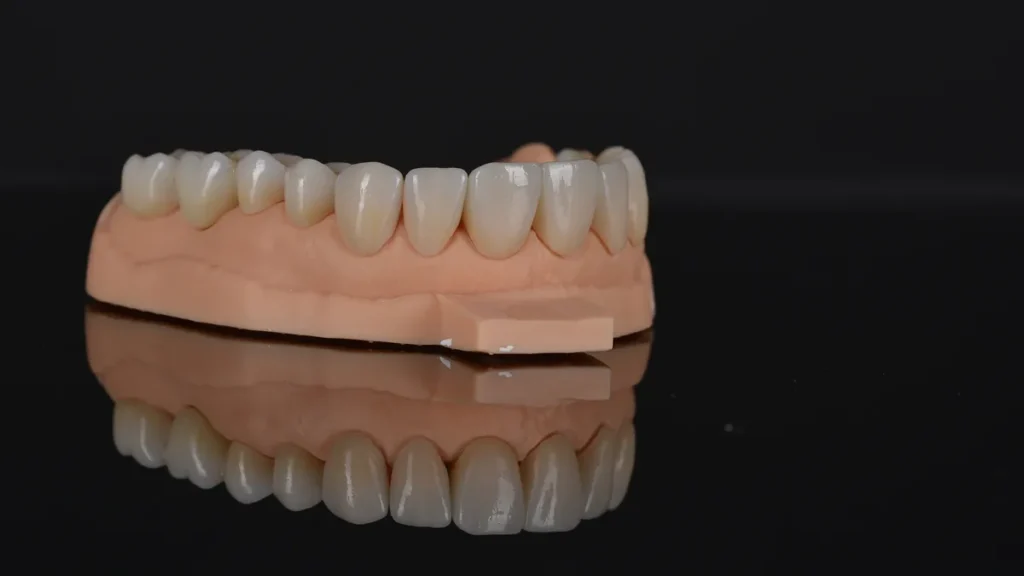
What should a good scan include?
From the laboratory's point of view four elements matter most. If one is missing, we pause the design and ask before production starts - which saves time for both sides.
- A clear preparation margin all the way around the tooth, not covered by gingiva, blood or saliva. Where the margin cannot be seen, the design is based on guesswork.
- Adjacent teeth and the opposing arch to an extent that allows contact points and occlusal contacts to be set.
- A bite registration taken in the position in which the restoration will work. For larger cases, also information on the vertical dimension.
- Implant data for implant work: correctly seated scan bodies, system, diameter and connection type.
Order checklist
Below is an overview of what is worth attaching to the order for the most common types of work. The more complete the information at the start, the fewer questions along the way.
| Type of work | Data | Also include |
|---|---|---|
| Crown, bridge | Scan or impression after preparation, opposing arch, bite | VITA shade, preferred material |
| Veneers | Scan or impression, opposing arch, bite | Smile photos and photos with the shade tab, stump shade |
| Implant work | Scan with scan bodies or impression with transfers, bite | System, diameter, connection, retention type |
| Occlusal splint | Scans of both arches, bite registration | Type of splint, arch, thickness guidelines |
| Surgical guide | CBCT (DICOM), arch scan | Implant plan, surgical kit |
The most common mistakes and how to avoid them
An invisible preparation margin
The most common reason for follow-up questions. It is worth exposing the margin (e.g. with retraction cord) and scanning or taking the impression only when it is dry and clearly visible. With a scan, it helps to check it under magnification before sending.
A bite that does not match reality
If the bite scan covers only one side or the patient closed uncertainly, the restoration may need adjusting at seating. Recording both sides of the arch and checking that the scans align correctly solves most of these problems.
Scan bodies not seated accurately
In implant work the scan body defines the implant position in the design. A loose or damaged scan body carries the error into the whole framework, and in multi-implant cases it can prevent passive seating. Before scanning it is worth checking that it is properly tightened.
No information on the implant system
The system, diameter and connection type decide which components we order. Without them the design may be ready, but production waits. The simplest way is to write them in the order or attach a photo of the implant passport.
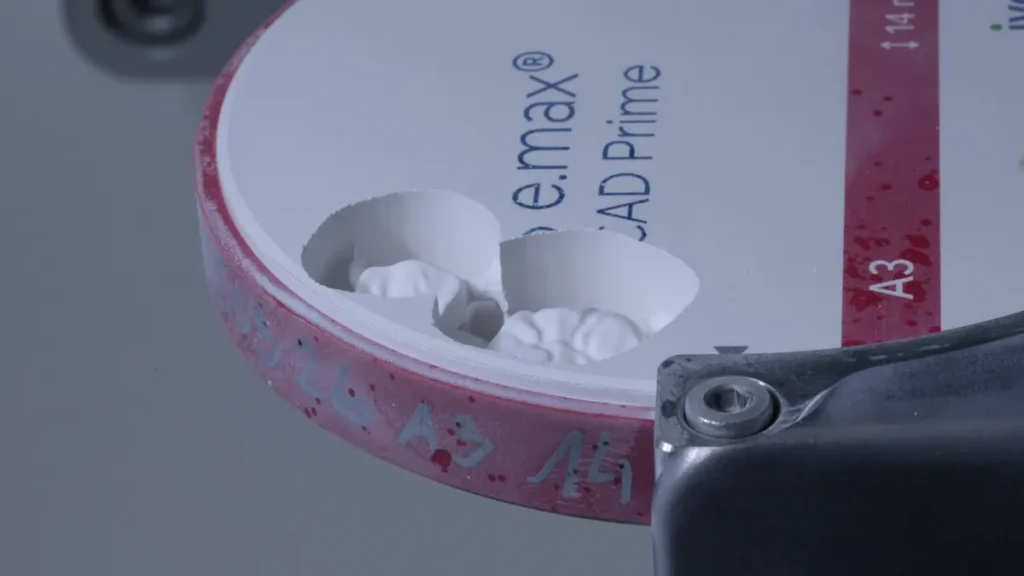
What happens to the data in the laboratory?
When we receive an order, we first check that the data is complete: margins, bite, space for the material and implant information. If anything is missing, we get in touch before the design starts, not after the work is made. Only then do we design in CAD, and solutions that need a decision - such as the screw channel position or veneer thickness - are sent for approval.
We mill or print the work, sinter and finish it, and before shipping we check it on the model: fit, contact points and occlusion. You can read more about how we handle each type of work under Prosthetic solutions, and find indicative prices in the price list.
Summary
- An intraoral scan is the shortest route, but an impression or model also allows digital work.
- With a ready STL design, attach the project files from the CAD software (e.g. construction info from exocad).
- What matters most is a clear preparation margin, a complete bite and - for implants - correct scan bodies and system data.
- A complete order at the start shortens turnaround and reduces adjustments at seating.
Have a case and not sure what data to prepare? Write to us - we will check the files and advise before we start the design.